

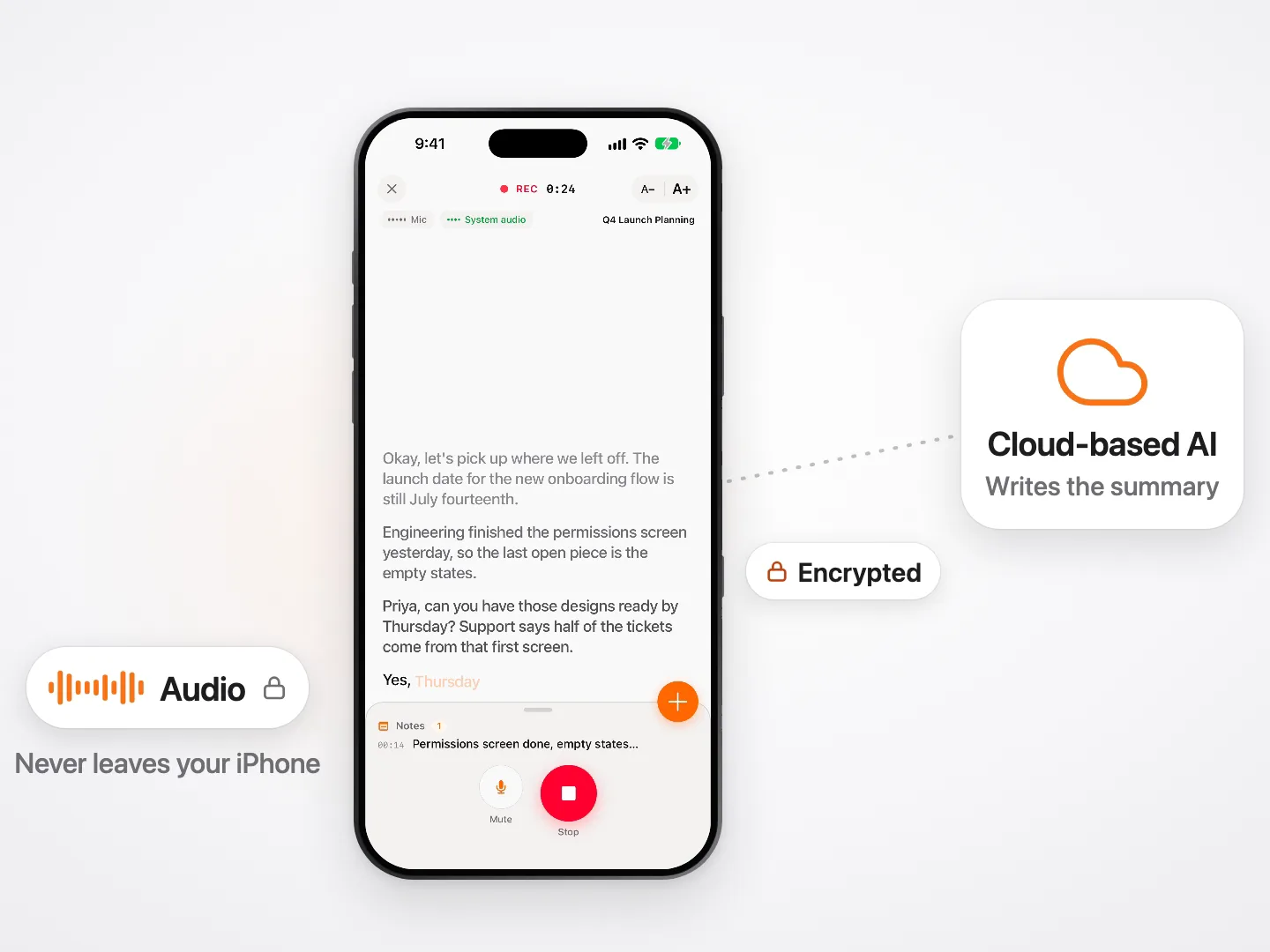
Quick take
Choose MoosePad for local capture
Record on a supported Apple device and review the transcript and audio in your own library.
Choose Otter for team follow-up
Send a calendar-connected Notetaker to calls or record from the desktop app, then share the conversation with teammates.
| Task | MoosePad | Otter.ai |
|---|---|---|
| Transcribe offline | Live on the device | Mobile recordings process after upload |
| Replay audio | From the device library, with optional iCloud sync | From the conversation in your Otter account |
| Share results | Export meeting content | Share to a person or Channel |
| Ask about notes | Chat about the current meeting | Chat within and across meetings |
MoosePad pricing and features · Otter recording guide · Otter offline recording · Otter plan features
Three ways to capture an online call
MoosePad on Mac
Start on a supported Mac. It captures app audio and your microphone without adding a participant.
Otter Desktop
Start capture on Mac or Windows. The desktop app can record Zoom directly while you wear headphones.
Otter Notetaker
Send a visible participant to scheduled Zoom, Meet, or Teams calls. Host admission or permission may be required.
MoosePad system audio · Otter desktop capture · Otter Notetaker guide
What each service receives
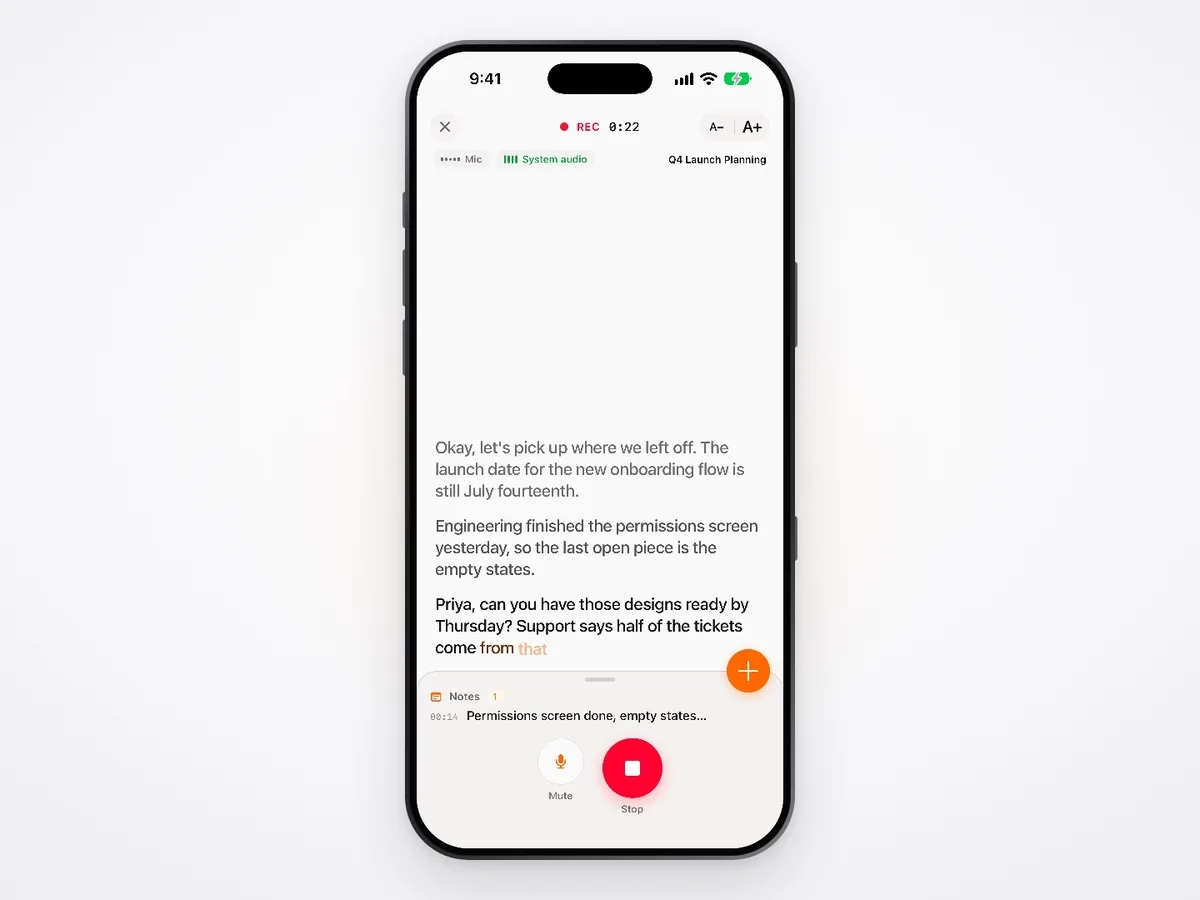
MoosePad sends text when you request AI summaries or chat and keeps the audio on your device or in your personal iCloud. Otter processes meeting audio in its service and its privacy policy describes use of de-identified audio and transcripts to improve its AI. MoosePad privacy policy · Otter privacy policy
Limits for one meeting
Otter Basic30 min
Free, with 300 transcription minutes per month.
Otter Pro90 min
Otter lists 1,200 in-app recording minutes. Check its pricing page for billing options.
Otter Business4 hr
Otter lists unlimited meetings and in-app recordings on Business, with up to four hours per meeting.
MoosePad8 hr
Up to eight hours per recording. $4.99 monthly or $49.99 annually after a seven-day trial.
MoosePad pricing · Otter pricing · Otter Basic limits · Checked November 16, 2026
Try it on your next meeting
You need a record of a call you’ll miss
Try Otter Notetaker. Test a scheduled call and confirm what happens if it needs admission.
You need the transcript before you reconnect
Try MoosePad. Use a supported Apple device to record a short conversation and read the transcript with Wi-Fi off.
You wear headphones and the host blocks bots
Try MoosePad on Mac or Otter Desktop on Mac or Windows. Make a sample Zoom recording and replay both voices.